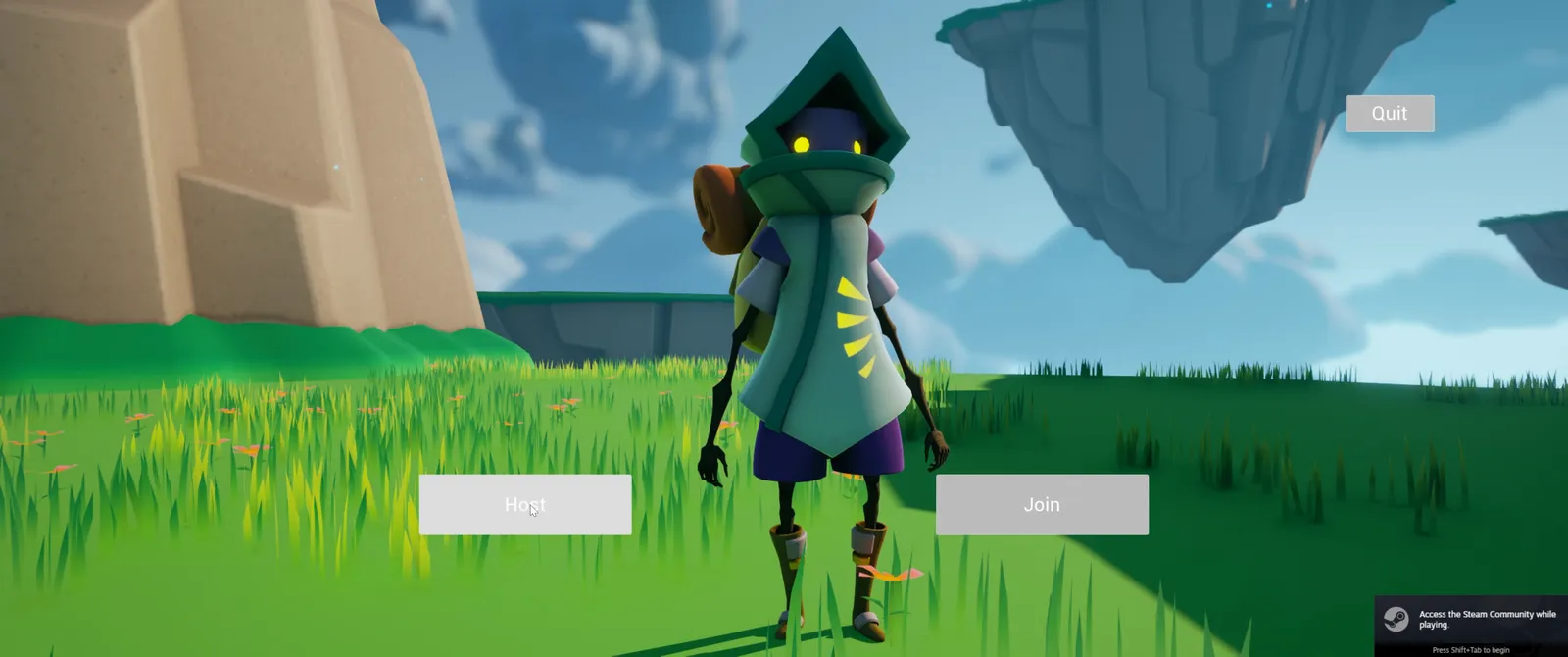
Overview
Working through Unreal Engine 5 C++ Multiplayer Shooter Course on udemy. In Progress!
https://www.udemy.com/course/unreal-engine-5-cpp-multiplayer-shooter/
Section 3: Project Creation
Had to go through this youtube video to do retargeting for UE5.2
Also had to add Enhanced Input, using code/setup from previous project here https://github.com/jacobmott/CPPUE5UltGameDevCrs/blob/main/Source/CPPUE5UltGameDevCrs/Public/Characters/SlashCharacter.h
Youtube vid
Section 4: The Weapon
 Open the original GIF (150 MB)
Youtube vid
Section 5: Firing Weapons
 Open the original GIF (92 MB)
Youtube vid
Section 6: Weapon Aim Mechanics
 Open the original GIF (139 MB)
Youtube vid
Section 7: Health And Player Stats
Youtube vid
Section 8: Ammo
Youtube vid
Section 9: Match States
Youtube vid
Section 10: Different Weapon Types
Youtube vid
Section 11: Pickups
 Open the original GIF (95 MB)
 Open the original GIF (115 MB)
 Open the original GIF (81 MB)
Youtube vid
Section 12: Lag Compensation
Project Setup/Install instructions
The Content folder is not included as part of this project, if you want a copy of it, contact me @ vortexgamesemail@gmail.com
For me
The content folder is stored in s3 bucket Pull down from bucket
  #Execute these from inside directory CPPUE5MultiplayerShooter
  aws s3 cp --recursive s3://<bucket>/CPPUE5MultiplayerShooter/Blaster/Content Blaster/Content
  aws s3 cp --recursive s3://<bucket>/CPPUE5MultiplayerShooter/MPTesting/Content MPTesting/Content
  aws s3 cp --recursive s3://<bucket>/CPPUE5MultiplayerShooter/MenuSystem/Content MenuSystem/Content

  #Execute this from the directory above CPPUE5MultiplayerShooter
  aws s3 cp --recursive s3://<bucket>/CPPUE5MultiplayerShooter/Screenshots CPPUE5MultiplayerShooter/Screenshots
Push to bucket
  #Execute these from inside directory CPPUE5MultiplayerShooter
  aws s3 cp --recursive Blaster/Content s3://<bucket>/CPPUE5MultiplayerShooter/Blaster/Content
  aws s3 cp --recursive MPTesting/Content s3://<bucket>/CPPUE5MultiplayerShooter/MPTesting/Content
  aws s3 cp --recursive MenuSystem/Content s3://<bucket>/CPPUE5MultiplayerShooter/MenuSystem/Content

  #Execute this from the directory above CPPUE5MultiplayerShooter
  aws s3 cp --recursive CPPUE5MultiplayerShooter/Screenshots s3://<bucket>/CPPUE5MultiplayerShooter/Screenshots
Or just do a sync
  #Execute these from inside directory CPPUE5MultiplayerShooter
  aws s3 sync Blaster/Content s3://<bucket>/CPPUE5MultiplayerShooter/Blaster/Content --delete
  aws s3 sync MPTesting/Content s3://<bucket>/CPPUE5MultiplayerShooter/MPTesting/Content --delete
  aws s3 sync MenuSystem/Content s3://<bucket>/CPPUE5MultiplayerShooter/MenuSystem/Content --delete

  #Execute this from the directory above CPPUE5MultiplayerShooter
  aws s3 sync CPPUE5MultiplayerShooter/Screenshots s3://<bucket>/CPPUE5MultiplayerShooter/Screenshots --delete