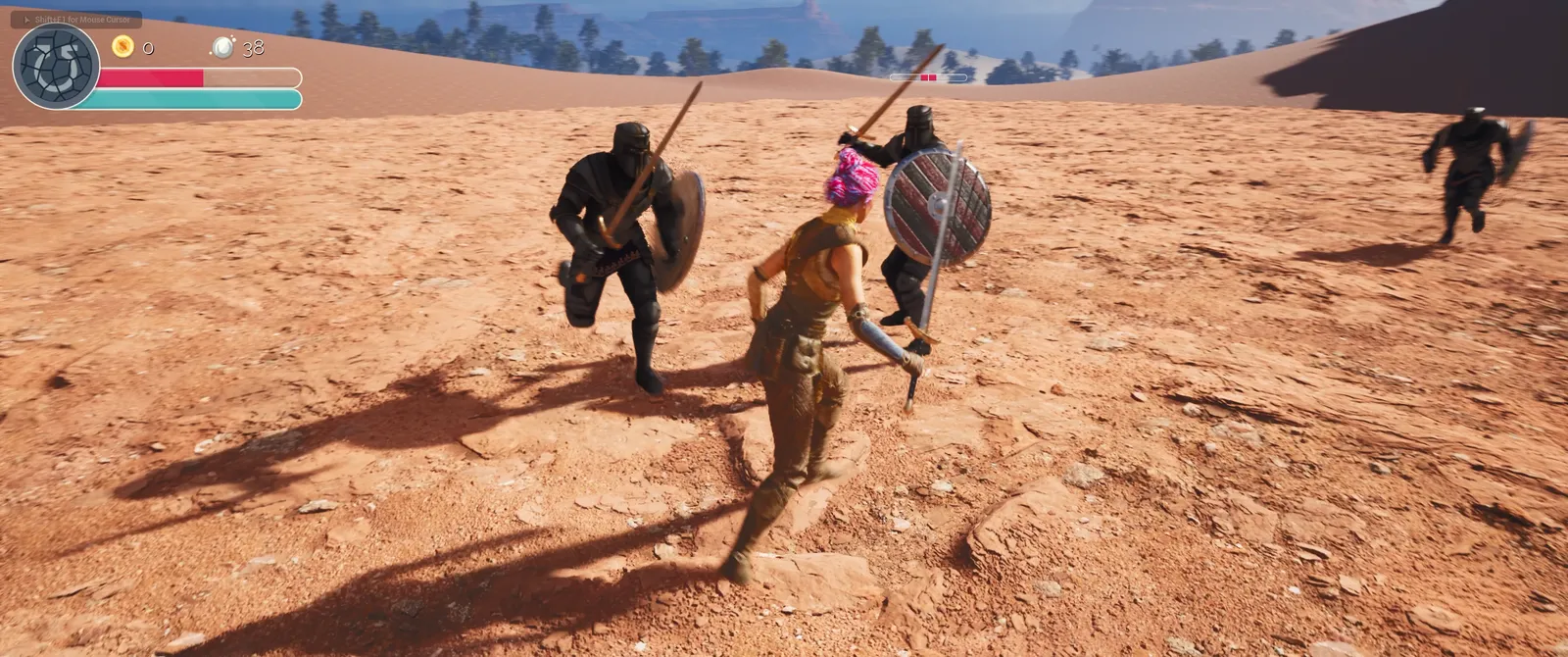
Overview
Working through Unreal Engine 5 C++ The Ultimate Game Developer Course on udemy. Finished the course!
https://www.udemy.com/course/unreal-engine-5-the-ultimate-game-developer-course/
Finished the Course!
Section 2: Realistic Landscape
Section 7: The Pawn Class
Section 8: The Character Class
Section 9: The Animation Blueprint
Youtube vid
Section 11: The Weapon Class
 Open the original GIF (183 MB)
Section 12: Attacking
Youtube vid
Section 13: Weapon Mechanics
Youtube vid
Section 14: Breakable Actors
Youtube vid
Section 15: Treasure
Youtube vid
Section 16: Combat
Youtube vid
Section 17: Enemy Behavior
 Open the original GIF (112 MB)
Youtube vid
Section 18: Enemy Attacks
Youtube vid
Section 19: Smarter Enemies
 Open the original GIF (95 MB)
Youtube vid
Section 20: Echo's Attributes
 Open the original GIF (95 MB)
Youtube vid
Section 21: Souls and Stamina
Youtube vid
Section 22: Multiple Types of Enemies
 Open the original GIF (213 MB)
Youtube vid
FINAL VIDS/SCREENSHOTS
 Open the original GIF (461 MB)
Youtube vid
For me
The Screenshots folder is stored in s3 bucket Need to move the content folder to s3
Pull down from bucket
  #Execute this from the directory above CPPUE5UltGameDevCrs
  aws s3 cp --recursive s3://<bucket>/CPPUE5UltGameDevCrs/Content CPPUE5UltGameDevCrs/Content
  aws s3 cp --recursive s3://<bucket>/CPPUE5UltGameDevCrs/Assets CPPUE5UltGameDevCrs/Assets
  aws s3 cp --recursive s3://<bucket>/CPPUE5UltGameDevCrs/Screenshots CPPUE5MultiplayerShooter/Screenshots
Push to bucket
  #Execute this from the directory above CPPUE5UltGameDevCrs
  aws s3 cp --recursive CPPUE5UltGameDevCrs/Content s3://<bucket>/CPPUE5UltGameDevCrs/Content
  aws s3 cp --recursive CPPUE5UltGameDevCrs/Assets s3://<bucket>/CPPUE5UltGameDevCrs/Assets
  aws s3 cp --recursive CPPUE5UltGameDevCrs/Screenshots s3://<bucket>/CPPUE5UltGameDevCrs/Screenshots
Or just do a sync
  #Execute this from the directory above CPPUE5UltGameDevCrs
  aws s3 sync CPPUE5UltGameDevCrs/Content s3://<bucket>/CPPUE5UltGameDevCrs/Content --delete
  aws s3 sync CPPUE5UltGameDevCrs/Assets s3://<bucket>/CPPUE5UltGameDevCrs/Assets --delete
  aws s3 sync CPPUE5UltGameDevCrs/Screenshots s3://<bucket>/CPPUE5UltGameDevCrs/Screenshots --delete